
Cara Redeem Plant Brainrot Simulator Codes (Atasi Kode Invalid)
Cara redeem Plant Brainrot Simulator codes di PC & mobile, plus solusi untuk kode invalid atau expired.
Kalau kamu cari cara redeem Plant Brainrot Simulator codes, ini versi cepat dengan gambar langkahnya. Fokusnya: redeem berhasil tanpa ribet.
Ringkas: 3 langkah redeem
- Buka game dan tap Codes.
- Paste code lalu tekan Redeem.
- Jika tidak ada pop‑up, cek inventory/currency.
Cara pakai code di Plant Brainrot Simulator
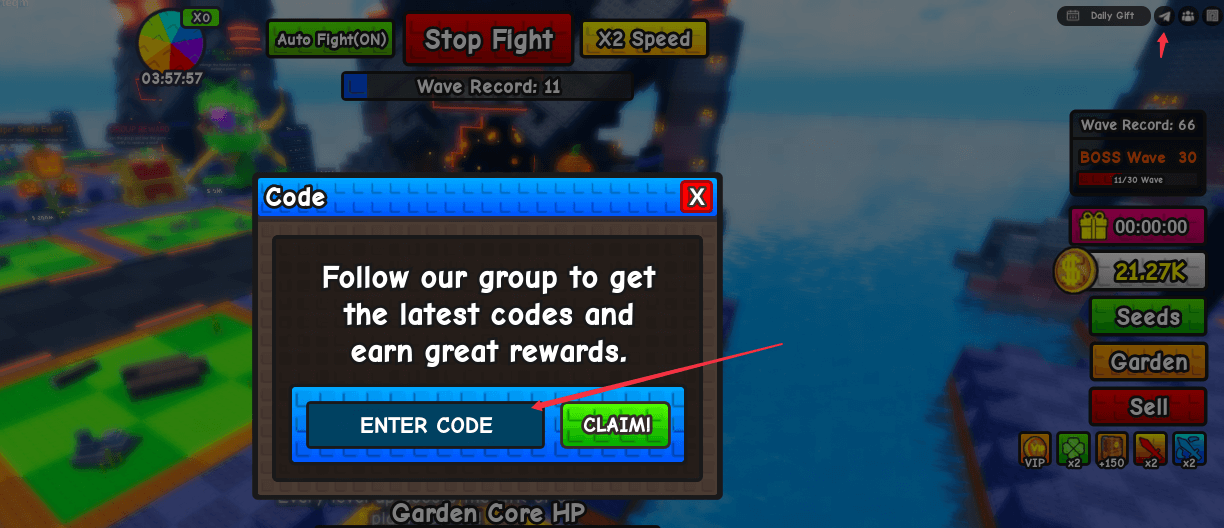
Langkah 1: Cari ikon code
Lihat pojok kanan atas untuk ikon mirip pesawat kertas.
Langkah 2: Buka jendela redeem
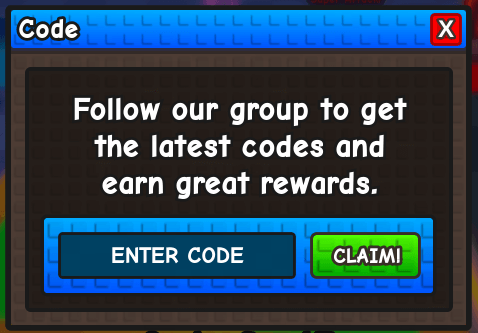
Tap ikon untuk membuka kotak input.
Langkah 3: Paste code dan konfirmasi
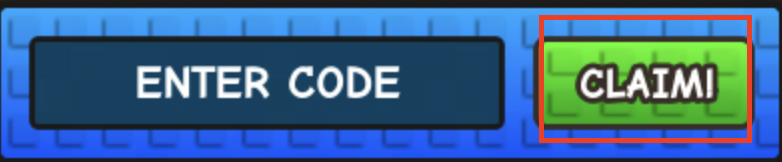
Paste code lalu klik tombol hijau.
Langkah 4: Cek konfirmasi
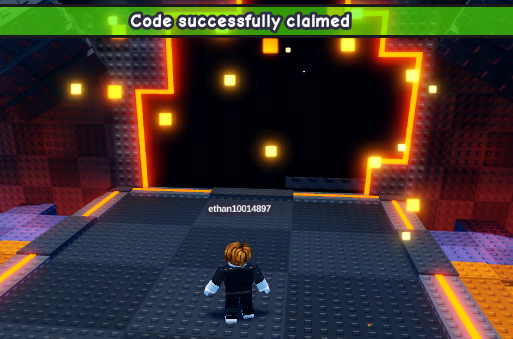
Tekan Redeem dan tunggu pesan. Kadang reward muncul tanpa pop‑up besar.
Langkah 5: Tidak terjadi apa‑apa?
Sebagian besar code tidak case‑sensitive. Typo dan spasi ekstra paling sering bikin error.
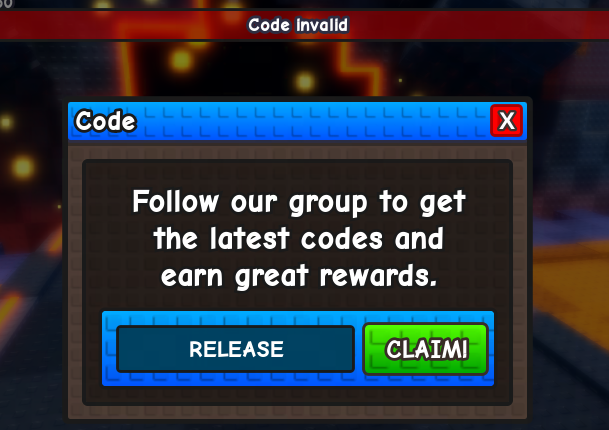
Troubleshooting: kode tidak berfungsi
- Kode expired: cek /codes/expired.
- Case/spasi: paste ulang dan hapus spasi berlebih.
- Sudah pernah diklaim: kebanyakan kode hanya sekali.
- Syarat tertentu: mungkin hanya berlaku saat event.
- Delay server: ganti server atau rejoin.
FAQ
Seberapa sering code baru muncul?
Biasanya saat update atau event. Cek /codes.
Ada code palsu?
Ada. Gunakan daftar active di /codes.
Tautan terkait
- Active codes: /codes
- Expired codes: /codes/expired
Kalau masih gagal, cek lagi daftar active lalu pastikan statusnya di halaman expired.